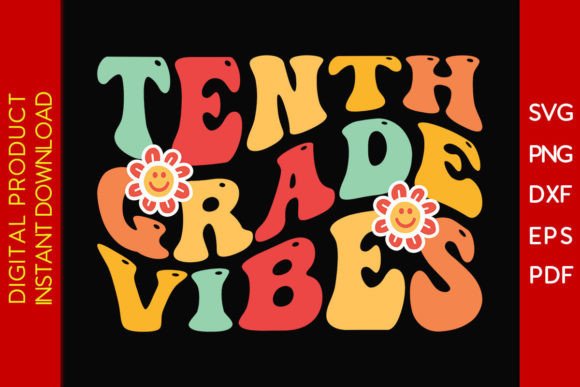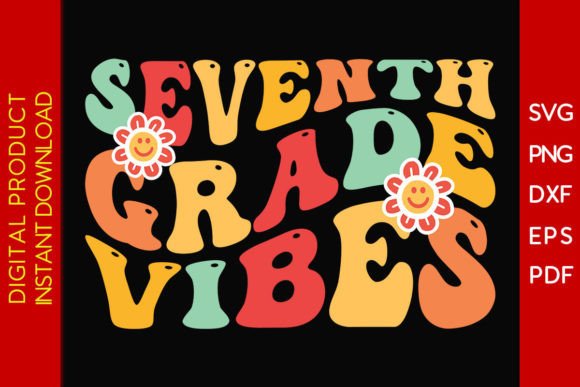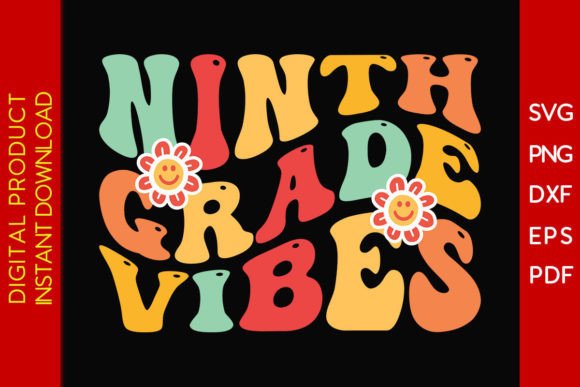
Ninth Grade Vibes Back to School SVG
If you're crafting custom back-to-school gear—whether for a classroom, a teen’s first high school year, or a small business launching seasonal merchandise—the Ninth Grade Vibes Back to School SVG collection is more than just trendy lettering. It’s a versatile, multi-format design bundle built for real-world use: decals, wall art, t-shirts, greeting cards, planner stickers, and layered scrapbook layouts. But before you click “buy,” it’s worth pausing—not because the files aren’t useful, but because how you choose, download, and apply them directly impacts your final result.
What You’re Actually Getting (and What That Means for Your Project)
The Ninth Grade Vibes Back to School SVG set includes one zip archive containing five file types: SVG, DXF, EPS, PNG, and PDF. That’s intentional—and helpful—but only if you understand what each format does (and doesn’t) do.
- SVG is ideal for Cricut Design Space and most web-based cutting platforms—it preserves layers, grouping, and transparency.
- DXF works reliably with Silhouette Studio and older versions of Brother ScanNCut software, especially when vector paths matter more than color fills.
- EPS is best for Adobe Illustrator users who need scalable vector editing without rasterization.
- PNG is a high-resolution raster image—great for print-on-demand mockups or digital cards, but not for precision cutting.
- PDF serves as a printable reference or for offline viewing; it’s not editable in cutting software unless converted properly.
A common oversight? Assuming all formats behave the same way across machines. For example, loading the PNG into Cricut Design Space won’t give you cut lines—just an image outline. That leads to wasted material, misaligned cuts, or time spent redrawing paths manually.
Mistake #1: Skipping the Unzip Step (Yes, It Happens More Than You Think)
You’ll receive a single download link after payment—but the files arrive inside a zip folder. Some beginners open the link expecting a ready-to-use SVG file and instead see a blank browser tab or an error message. That’s because browsers don’t auto-extract archives.
Fix it fast: Save the .zip file to your desktop or downloads folder, then double-click it to view contents. Drag the SVG (or DXF, etc.) out before importing into your software. On mobile devices, use a file manager app that supports zip extraction—don’t try to open the archive directly in your cutting app.
Mistake #2: Using the Wrong Format for Your Machine
Silhouette Studio users sometimes load the SVG file only to find missing compound paths or distorted text. Why? Because older versions of Silhouette Studio don’t fully support SVG’s newer features. The DXF version handles those same elements more predictably.
Conversely, Cricut Design Space doesn’t read DXF files well by default—especially if they contain embedded fonts or complex gradients. In that case, SVG is safer. Check your software version and preferred workflow before choosing which file to import.
Mistake #3: Overlooking File Structure and Layer Organization
This set includes clean, grouped layers—meaning letters, icons, and decorative elements are logically separated. That’s valuable if you want to recolor individual parts, resize only the banner, or remove the “9th Grade” line while keeping the “Back to School” phrase.
But if you flatten everything before importing—or ignore layer visibility settings—you lose that flexibility. A better approach: Import the SVG, then ungroup once (not twice), check layer names in the Layers panel, and hide or lock elements you won’t use right away. This saves time later when adapting the design for different age groups or subjects.
What to Verify Before You Buy (Beyond Just “Does It Look Cute?”)
Before completing checkout, ask yourself three practical questions:
- Do I know which software and machine I’ll use? If you’re using a Cricut Explore Air 2, prioritize SVG compatibility. If you run a CNC plasma table, confirm the DXF includes clean, closed vectors—not just outlines.
- Is my current software updated? Outdated Silhouette Studio or Cricut Design Space may misinterpret spacing or kerning. Update first, test with a free sample file if possible, then proceed.
- Will this scale well for my intended use? The included PNG is 300 DPI at standard sizes—but if you plan to print a 48" wall decal, you’ll need to enlarge the vector (SVG/DXF/EPS), not the PNG. Vectors scale infinitely; rasters don’t.
Realistic Use Cases—And How to Get Them Right
For educators: Printing classroom door signs? Use the PDF for quick black-and-white handouts—or the SVG in Cricut Design Space to cut vinyl lettering for a reusable bulletin board header. Just remember to mirror the design before cutting iron-on for teacher shirts.
For small business owners: Adding “Ninth Grade Vibes” to tote bags or hoodies? Upload the SVG to Printful or Gelato via their vector upload option. Avoid PNG unless you’re ordering digitally printed items where resolution isn’t critical.
For hobbyists and scrapbookers: Layering the “Back to School” phrase over a photo collage? Import the SVG into Silhouette Studio, break apart the text, and use the “Weld” tool selectively to merge only the letters you want—keeping shadows or accents separate for depth.
A Note on Compatibility Beyond the Obvious
The Ninth Grade Vibes Back to School SVG files work with Adobe Illustrator, yes—but also with free tools like Inkscape (open-source) and Affinity Designer. If you’re learning vector editing, start with the SVG or EPS, not the PNG. And if you’re sharing files with a team, confirm everyone uses compatible software versions—especially if collaborating on a school-wide campaign or group project.
Finally, keep your downloaded files organized. Rename the zip folder clearly (e.g., “NinthGradeVibes_SVG_2024”) and store it alongside your project notes. That way, when you revisit the design next August—or adapt it for “10th Grade Vibes”—you’ll know exactly which assets you have, and why.