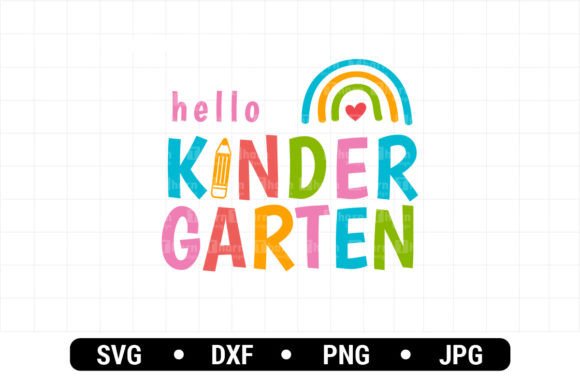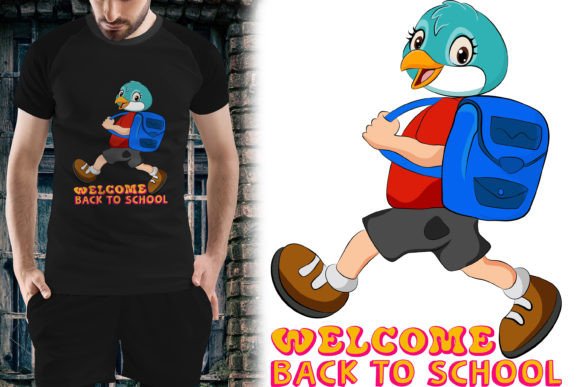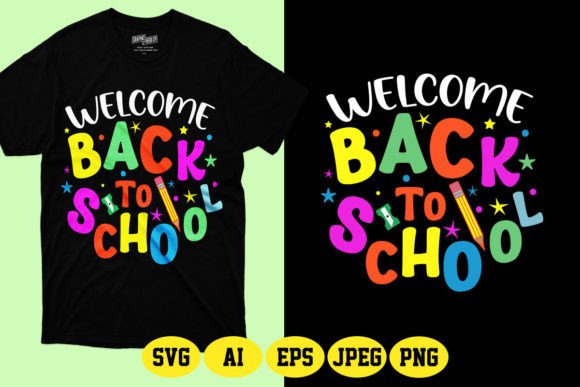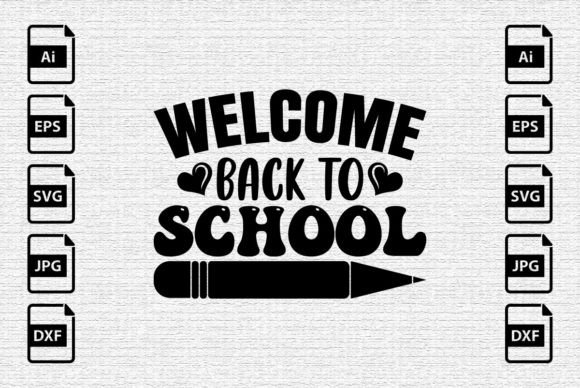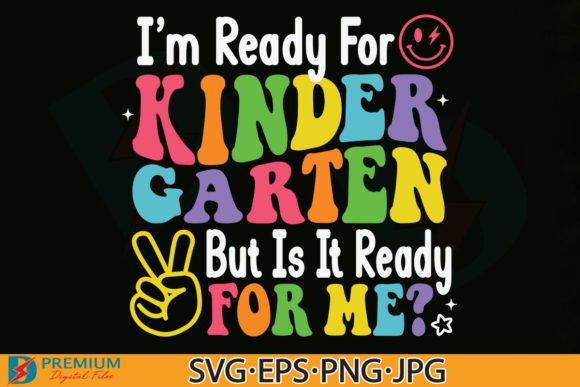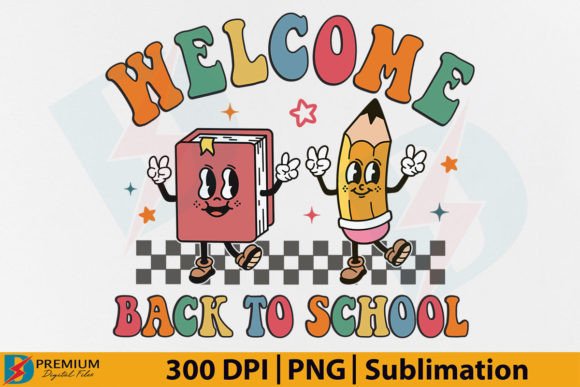
Welcome Back to School PNG, Retro 1st Day
For designers, small business owners, educators, and creative entrepreneurs, finding high-quality, ready-to-deploy assets is less about decoration—and more about workflow efficiency. The Welcome Back to School PNG, Retro 1st Day collection fits precisely into that operational sweet spot: a compact, purpose-built digital resource designed to accelerate production without compromising visual integrity or brand consistency.
This isn’t generic clipart. It’s a curated pair of 300dpi PNG files—each with a transparent background—crafted in a nostalgic, retro-inspired aesthetic that resonates across generations. Think bold typography, warm color palettes, subtle grain textures, and clean outlines—all optimized for real-world application, not just screen display.
Where This Fits in Your Creative or Business Workflow
You don’t start a project by searching for “school-themed graphics.” You start by solving a problem: launching a back-to-school promotion, preparing classroom materials, designing merch for a teacher appreciation campaign, or building a cohesive seasonal content calendar. The Welcome Back to School PNG, Retro 1st Day files enter your process at the *execution* stage—not as inspiration, but as infrastructure.
Before you open your design software, you’ve likely already decided on messaging, audience, platform requirements, and output format. These PNGs reduce friction at the asset layer. No need to trace vectors, adjust transparency manually, or rework resolution for print. They’re pre-validated for clarity, scale, and compatibility—so you move from concept to output faster, with fewer iterations.
Practical Use Cases Across Roles
Educators and school staff use these files to create welcoming bulletin boards, printable welcome cards for students’ first day folders, or editable newsletters—without needing graphic design training. Because the background is fully transparent, dropping them into Canva, Google Slides, or Microsoft PowerPoint takes seconds, and scaling preserves crisp edges.
Print-on-demand sellers and small batch producers integrate them directly into mockup templates for t-shirts, mugs, stickers, and tumblers. At 300dpi, they meet standard print specifications for most vendors—including Printful, Gelato, and local screen printers—so there’s no last-minute resizing or quality panic before upload.
Marketing teams and content creators embed them into social media carousels (Instagram, Pinterest), email headers, or blog banners. The retro styling adds personality without feeling dated—especially when paired with modern sans-serif body text or minimalist layouts. It signals warmth and familiarity while maintaining visual professionalism.
Hobbyists and DIY crafters apply them to vinyl-cut projects, sublimation blanks, or scrapbook layouts. Since both files are raster-based PNGs—not layered PSDs or vector AI files—they load instantly in Cricut Design Space, Silhouette Studio, and other common cutting software, assuming your version supports PNG import (most do).
Compatibility and Preparation: What You Need to Know
This is a digital product delivered as a single ZIP file. Unzipping reveals two PNGs—no folders, no hidden layers, no extra documentation. That simplicity saves time—but it also means responsibility rests with you to verify compatibility before purchase.
Check your primary design or production tool against these basic requirements:
- Your software must support PNG files with alpha transparency (standard in Adobe Photoshop, Illustrator, Affinity Designer, GIMP, Canva Pro, and most recent versions of free tools).
- If you’re using older versions of CorelDRAW, older versions of Microsoft Office, or certain mobile apps, test with a sample PNG first—some limit transparency handling or default to white backgrounds.
- For physical production (e.g., DTG printing, sublimation), confirm your printer accepts 300dpi RGB PNGs with transparent backgrounds—most do, but some require flattened white backgrounds or specific color profiles.
When in doubt, open one of the files in your default image viewer first. If you see checkerboard behind the graphic (not solid white or black), transparency is intact—and your software is likely compatible.
Integration Tips for Consistent, Efficient Use
Don’t treat these as one-off downloads. Build them into your asset management system:
- Organize by season and theme. Create a folder labeled “Back to School / Retro” inside your master “Marketing Assets” or “Design Resources” library. Name files clearly: welcome-back-retro-01.png, welcome-back-retro-02.png.
- Pre-size for common outputs. Duplicate each file and save resized versions: one at 2000px wide (for web banners), one at 4000px wide (for large-format prints), and one at 1200px wide (for social posts). Keep originals untouched.
- Batch-test across platforms. Upload both files to your top three production tools—whether that’s Printify, Etsy’s listing builder, or your email service provider—and note how they render. Adjust if needed, but avoid altering the original ZIP contents.
- Pair intentionally. The retro style works best when supported by complementary fonts (e.g., Oswald, Fredoka One, or Montserrat Bold) and restrained color palettes (think mustard yellow, navy, cream, and brick red). Avoid clashing gradients or overly busy backgrounds.
What This Doesn’t Do—And Why That Matters
This isn’t a design course. It won’t teach typography hierarchy or color theory. It doesn’t include editable vector files, layered PSDs, or alternate color variants. And it’s not licensed for resale as a standalone digital product—or for redistribution, even for free.
That limitation is intentional. It ensures the asset remains focused, reliable, and predictable. When you’re managing multiple clients, juggling seasonal deadlines, or running a solo shop, over-engineered files create overhead—not flexibility. Two clean, high-res PNGs give you exactly what you need to execute, without decision fatigue or unnecessary complexity.
Long-Term Usability and Quality Control
Because these are static raster files—not generative or AI-produced—they won’t degrade with repeated use. There’s no licensing expiration, no subscription requirement, and no dependency on external servers. Once downloaded and verified, they belong to your workflow permanently.
To maintain quality control over time:
- Store originals in cloud backup (Google Drive, Dropbox, or iCloud) with version naming that includes date and purpose—e.g., welcome-back-retro-2024-07-originals.zip.
- Avoid resaving edited versions as PNGs repeatedly—each save can introduce minor compression artifacts. Instead, work from the original, then export final deliverables once.
- Review usage annually. Does the retro aesthetic still align with your brand voice? Is it resonating with your audience? If yes, reuse confidently. If tone or strategy shifts, treat this as a time-bound asset—part of a larger seasonal toolkit, not a permanent foundation.
The Welcome Back to School PNG, Retro 1st Day collection succeeds not because it’s flashy or novel, but because it removes friction at a precise point in real work. It assumes you know your goals, your tools, and your audience—and gives you two clean, production-ready files to bridge the gap between intention and output. No tutorials required. No setup steps. Just unzip, verify, and deploy.